Byway on Apple Watch · Beyond the drive
The next stop.The way back.
A glance at what's next on the drive. A direction back to the car when you step out. Byway on Apple Watch keeps those small, useful details on your wrist.
Available in Byway 1.1.0

Private beta · Invitation required
 On the walk
At a glance · Along the way
A little closer to hand.
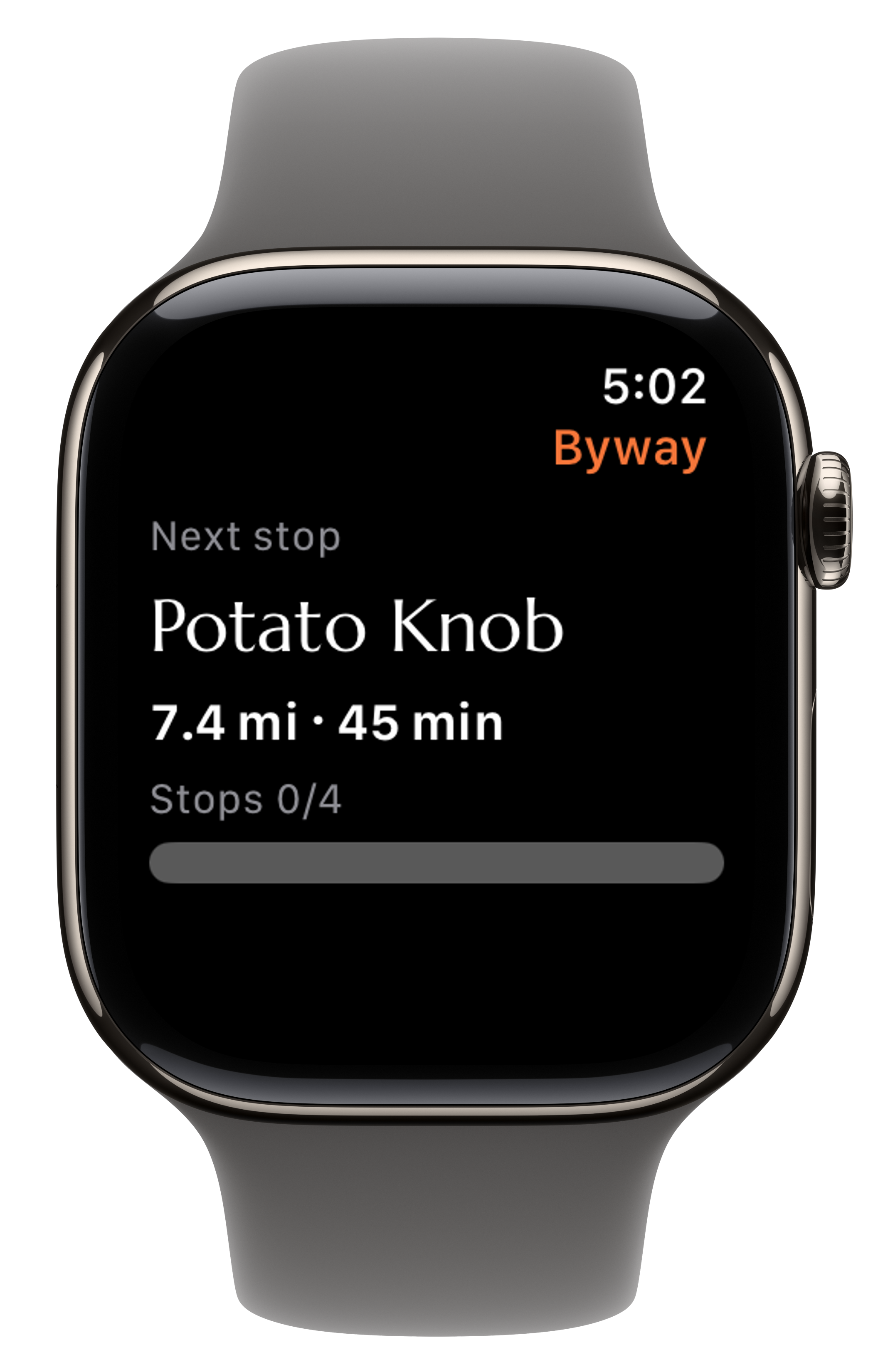
The next stop
See the next place on your drive and your progress through the stops.
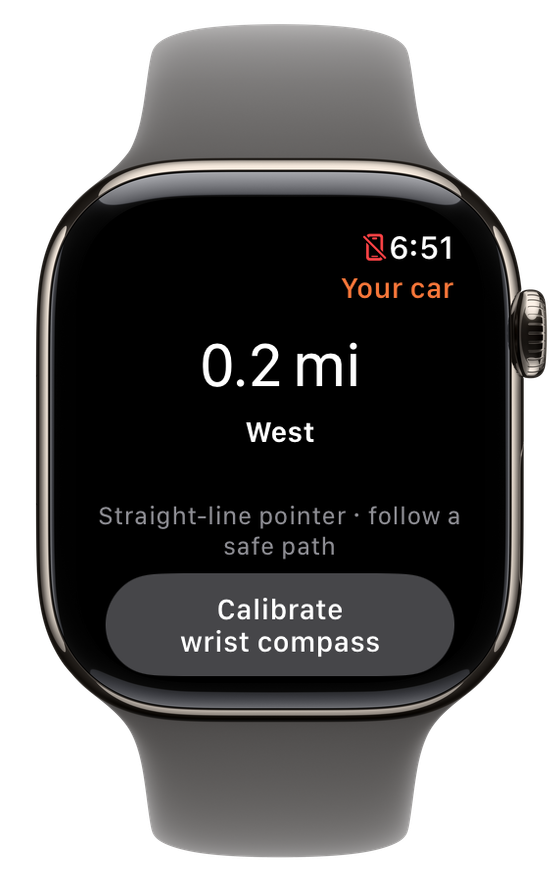
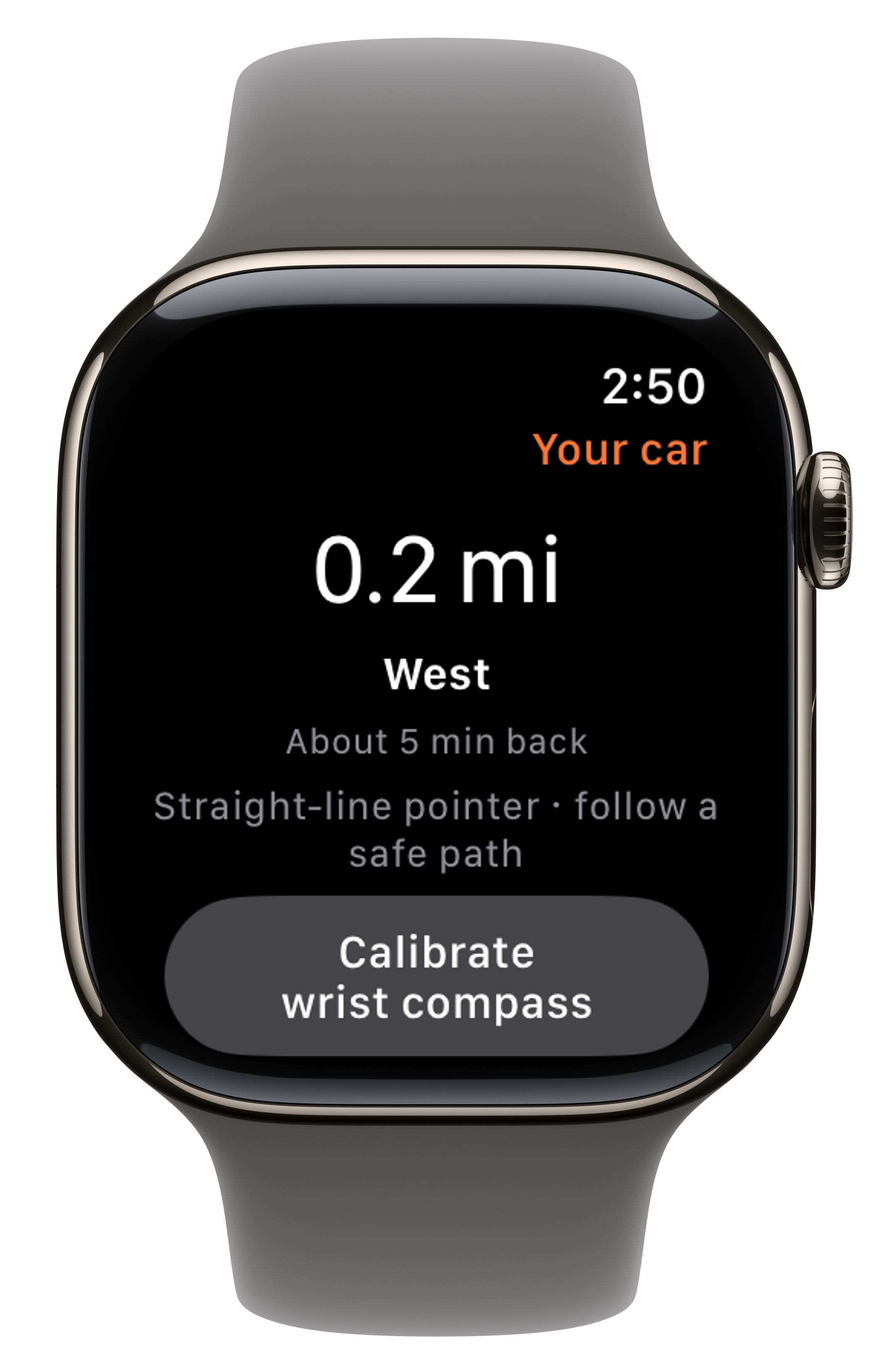
The way back
On a walk at a stop, see the distance and straight-line direction to your car.
Time to return
Keep an eye on the estimated walk back and civil dusk.
Example screens from Byway on Apple Watch.
iPhone + Apple Watch · Together
Your phone comes along.
Byway on Apple Watch is a companion to Byway on your paired iPhone. Keep your phone with you: it supplies the active drive and walk details your Watch shows.
With Travel Memory and Remember walks at stops enabled, your next stop comes to your wrist. During a walk at a stop, the same companion shows the way back to your car.
Get started · A few choices
Ready when you are.
Start with Byway on iPhone
Download Byway 1.1.0 or later and sign in with your invited account. New here? Join the waitlist in the app.
Enable walks at stops
On iPhone, open Settings → Travel Memory, turn on Remember walks at stops and complete the permission steps.
Open Byway on your Watch
Install the Byway companion using the Watch app on your iPhone, then open it on your paired Apple Watch. Keep your iPhone with you for the drive and the walk.
On the App Store · Available in Byway 1.1.0
Take Byway along.
Free to download on iPhone. Byway is in private beta: sign in with your invited account, or join the waitlist in the app.