Byway on Foot · Beyond the drive
Park. Walk.Keep exploring.
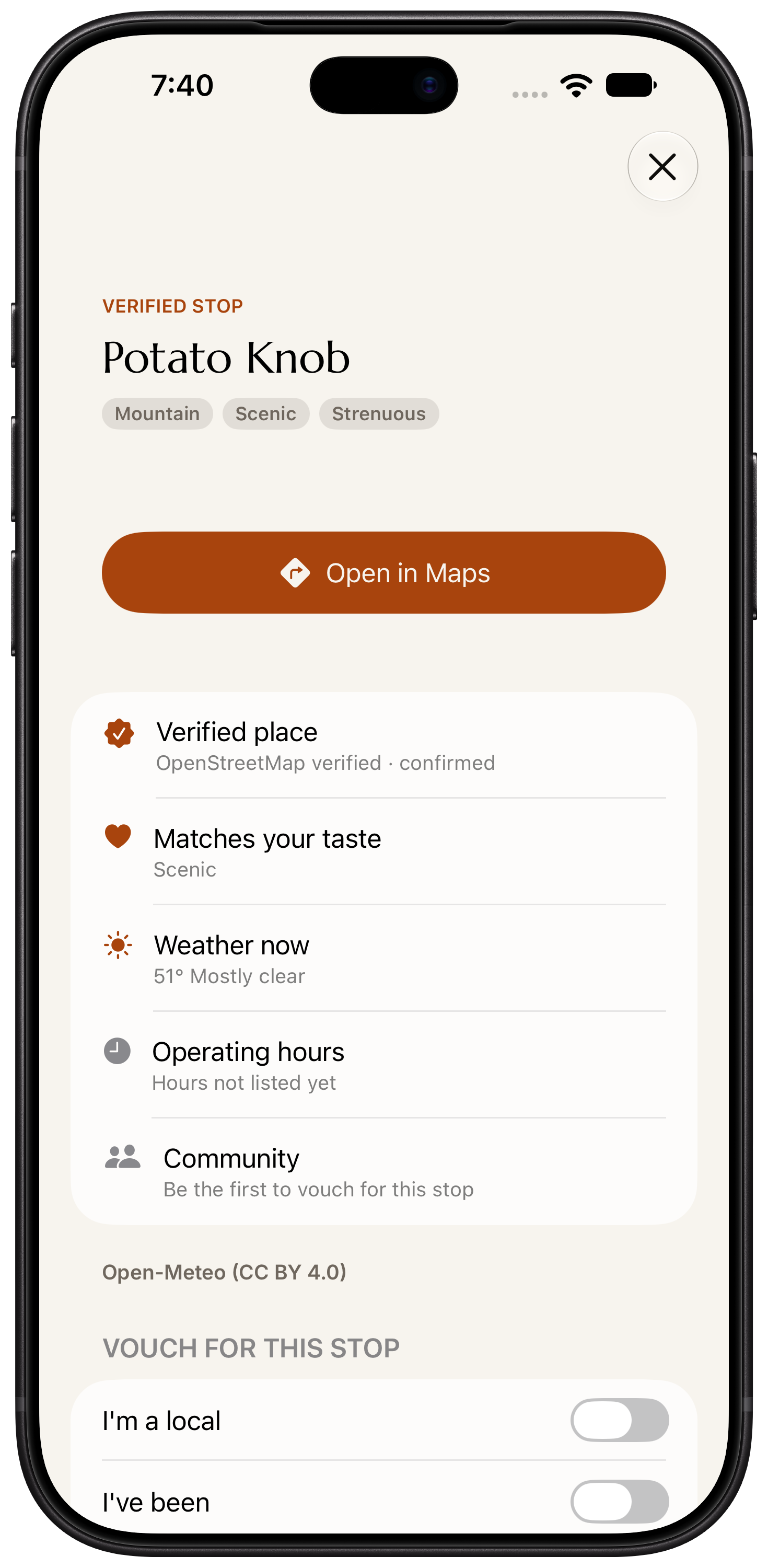
The lookout. The waterfall. The path that catches your eye. Step out at a scenic stop; Byway keeps the walk with your drive and the way back to your car close at hand.
Available in Byway 1.1.0

Private beta · Invitation required
 The way back
Walk back · Your car, kept in view
A way back to the car.
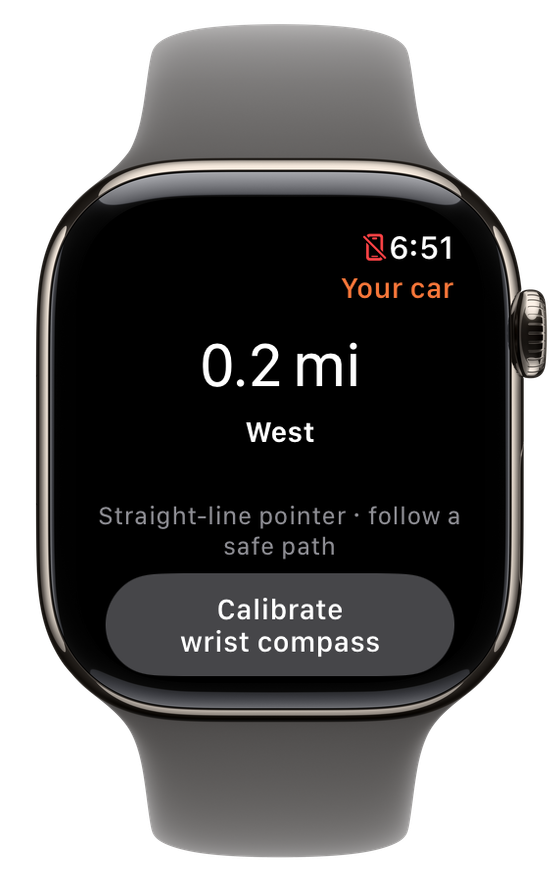
Open Walk back during a walk at a stop. See where the car is, how long the return might take and when daylight draws to a close.
The direction points straight toward your car. Choose a safe path on the ground as you make your way back.
- Distance and direction
- Your parking spot stays the reference point while you explore a lookout, waterfall, summit or trailhead.
- Estimated time back
- A return estimate uses your walked path and pace, so you can leave room for the rest of the day.
- Daylight at a glance
- Civil dusk gives you another detail to consider before walking further.
Travel Memory · The whole day
Keep the walk with the drive.
Turn on Remember walks at stopsin Travel Memory. Your Drive Log can keep the walk's time, distance, climb and parking spot alongside the day on the road. The exact walked path stays on your phone.
Apple Health is a separate choice. You can remember walks without it. Choose to add available Health details, or save an individual walk to Apple Health when you want to.
Get started · A few choices
Ready when you are.
Take Byway on iPhone
Download Byway 1.1.0 or later and sign in with your invited account. New here? Join the waitlist in the app.
Choose what to remember
Open Settings → Travel Memory, turn on Remember walks at stops and complete the permission steps.
Step out at a stop
At an eligible scenic stop, take your phone with you. Open Walk backwhen you want the car's distance and direction.
On the App Store · Available in Byway 1.1.0
Take Byway along.
Free to download on iPhone. Byway is in private beta: sign in with your invited account, or join the waitlist in the app.